

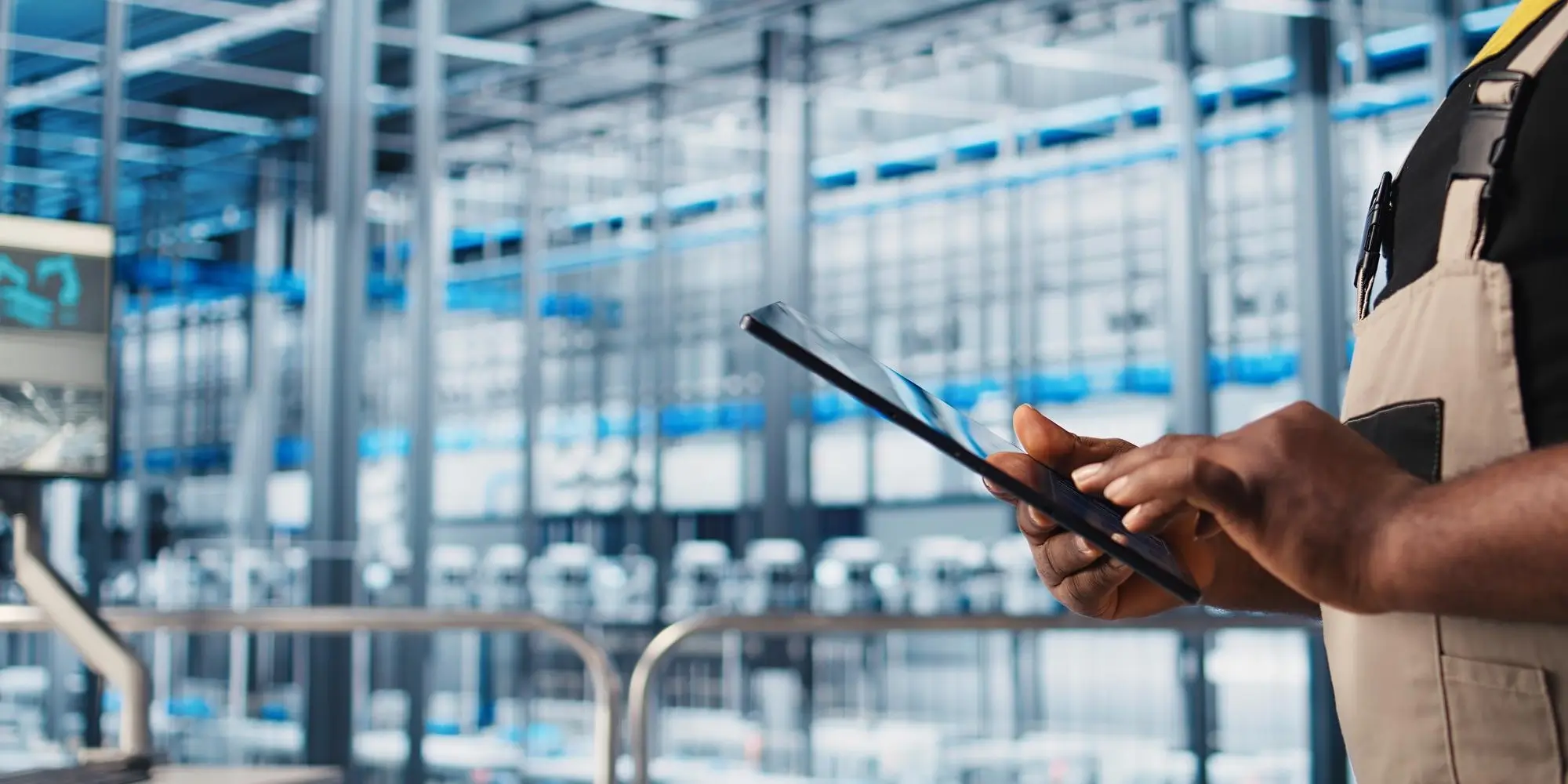

Shop floor control through mobile execution closes the gap between what the production plan requires and what the shop floor actually delivers, giving SME manufacturers the real-time visibility that transforms reactive fire-fighting into proactive production management. When supervisors and operators access work orders, record production quantities, scan materials, and log quality results directly from tablets on the production floor, the entire organization gains accurate operational data the moment it is created rather than hours or days later. According to Forrester's 2025 Manufacturing Technology Study, mid-sized manufacturers that implement mobile shop floor execution report significant reductions in production delays and data reconciliation time compared to those relying on paper-based or terminal-based systems. This article explains how mobile shop floor control works, what capabilities it requires, and how SME manufacturers can implement it successfully.
Paper-Based Shop Floor Management Creates Costly Operational Blind Spots
The fundamental problem with paper-based shop floor management is that production data exists only on physical documents until someone enters it into a system, creating a continuous lag between operational reality and the information available to management. A work order printed in the morning and returned to the office at end of shift represents eight or more hours during which supervisors have no accurate visibility into production progress, material consumption, or quality results. Decisions made during that window rely on estimates, phone calls, and walkabout observations rather than actual production data.
The consequences of this information lag compound across every function that depends on shop floor data. Procurement cannot accurately calculate remaining material requirements because consumption data is hours old. Finance cannot produce accurate work-in-progress valuations because job costs update in batches rather than in real time. Customer service cannot provide reliable delivery updates because production progress is unknown until operators return paperwork. Each of these information delays costs the organization money, erodes customer confidence, and limits management's ability to make accurate decisions.
Paper travelers also create version control risks that mobile systems eliminate entirely. When an engineering change updates a component specification or a production process, paper-based systems require physically retrieving and replacing existing work order documents on the shop floor. If a document is missed, operators build to outdated specifications. Mobile work instructions always reflect current engineering data because they pull from the same system that engineering updates, making version control automatic rather than dependent on manual document management.
How Does Mobile Shop Floor Control Actually Work in Practice?
Mobile shop floor control replaces paper travelers and fixed terminals with touch-optimized tablet interfaces that give every production role the specific information and transaction capabilities their work requires, at the exact location where the work happens. The system operates through a manufacturing ERP platform that maintains work orders, BOM structures, routing definitions, and quality inspection plans as a single integrated data source. Mobile devices connect to this data source in real time, presenting each user with role-appropriate screens that guide them through required tasks and record results immediately upon completion.
The workflow for a production operator begins when a supervisor releases a work order to the shop floor. The operator's tablet displays the work order with all required information: the item to produce, the quantity scheduled, the components to issue, the operations to perform in sequence, and any special instructions or quality checkpoints. The operator issues materials by scanning component barcodes, which immediately updates inventory records and records consumption against the job cost. As each production operation is completed, the operator records the quantity and moves the work order to the next stage. If a quality inspection is required at any point, the tablet guides the inspector through required measurements and records results automatically.
Supervisors see an aggregate view of all active work orders across their area, showing real-time progress against schedule for every job in production simultaneously. When a work order falls behind schedule, the supervisor sees the deviation immediately and can investigate the cause, reassign resources, or escalate the issue before the delay affects a customer delivery commitment. This proactive management capability is what separates mobile shop floor control from systems that only reveal problems after they have already caused damage. See Alpide Shop Floor Control for detailed capability information.
Mobile Material Transactions Eliminate Inventory Accuracy Problems
Barcode and RFID scanning for material transactions at the point of use is the single most impactful capability for improving inventory accuracy in manufacturing operations, because it eliminates the manual data entry delays and transcription errors that cause physical inventory to diverge from system records. When an operator scans a component barcode to issue material to a work order, the transaction posts immediately: inventory decreases, work-in-progress increases, and the job cost record reflects actual consumption rather than planned consumption. This real-time update means that inventory records are accurate throughout the day rather than only after a batch posting at end of shift.
The accuracy improvement from mobile scanning extends beyond inventory counts to affect every business process that depends on inventory data. Material Requirements Planning calculations produce more accurate procurement recommendations when consumption data is current rather than batched. Available-to-promise calculations give customer service accurate stock positions when inventory records reflect actual consumption. Cycle count programs identify genuine discrepancies rather than reconciling data entry backlogs. Each of these downstream accuracy improvements creates measurable operational value that compounds across the business.
Lot and serial number traceability becomes practical through mobile scanning in a way that manual data entry cannot support at production volume. When operators scan lot numbers as they issue materials, the system automatically records which lots went into each work order and ultimately into each finished goods shipment. This bidirectional traceability supports quality investigations, customer complaints, and regulatory audits without requiring manual reconstruction of production records from paper documents. Explore more at How Mobile Shop Floor Execution Closes the Gap Between MRP Plan and Reality and Shop Floor Control Eliminates Paper Travelers with Mobile Technology.
Key Insight
A pattern observed consistently across manufacturing implementations: organizations achieve the highest inventory accuracy improvements not from more frequent cycle counts, but from eliminating the delay between physical material movement and system transaction recording. Mobile scanning addresses the root cause rather than the symptom.
Quality Integration at the Point of Production Prevents Defects from Escaping
Mobile quality inspections conducted at the point of production eliminate the most dangerous interval in manufacturing quality management: the time between when a defect occurs and when it is detected. In paper-based quality systems, inspectors record results on forms that reach the quality database hours after the inspection. During that interval, production continues using the same process or material that produced the defect, potentially generating additional non-conforming product before the issue is identified and contained.
Mobile quality inspection through manufacturing ERP guides inspectors through required checkpoints with structured forms that specify what to measure, what tolerances to apply, and what disposition options are available for non-conforming results. When an inspector records a measurement outside tolerance, the system immediately triggers a non-conformance workflow: it alerts the quality team, places the affected material on hold, and initiates the disposition process. Production cannot proceed past the failed inspection point until an authorized disposition decision is recorded, preventing non-conforming material from advancing through additional operations.
Touch-optimized inspection interfaces designed for production environments make mobile quality management practical for operators and inspectors working in physically demanding conditions. Large buttons accommodate gloved hands. Simple navigation minimizes the interaction required to record results. Camera integration allows inspectors to attach photographs directly to inspection records without separate equipment. These design considerations determine whether operators actually use the mobile system consistently or revert to paper because the digital interface creates more friction than it removes. See Alpide Manufacturing Process for quality integration details.
Pro Tip
When piloting mobile shop floor execution, start with a single production line or work center rather than a facility-wide rollout. A focused pilot reveals usability issues, connectivity gaps, and process alignment requirements that are far easier to resolve at small scale before expanding to the full operation.
Implementation Requirements for Successful Mobile Shop Floor Deployment
Successful mobile shop floor execution deployment depends on four factors that determine whether the system delivers its promised operational improvements or becomes another underused technology investment: hardware selection, connectivity infrastructure, process alignment, and user adoption strategy. Each factor requires deliberate planning before deployment rather than discovery during rollout.
Hardware selection for production environments requires specifications that office-grade tablets cannot meet. The deployment checklist below outlines the minimum requirements for each component:
- Select ruggedized tablets rated for the temperature range, humidity levels, and physical impact exposure present in your specific production environment, not generic consumer tablets that will fail within weeks of shop floor use.
- Assess wireless network coverage across all production areas where mobile devices will be used, identifying dead zones that require additional access points before deployment begins.
- Configure role-based access so each user sees only the transactions and information relevant to their production role, reducing training time and eliminating errors from accessing inappropriate functions.
- Align work order routing definitions in the ERP system with actual production sequences before deployment, because mobile execution exposes routing inaccuracies that paper systems tolerate through workarounds.
- Verify that BOM accuracy meets the threshold required for reliable mobile material transactions, since scanning against an inaccurate BOM creates more confusion than paper-based issuing.
- Design a phased training program that gives operators hands-on practice with realistic production scenarios before go-live rather than classroom instruction disconnected from actual workflows.
- Establish a support mechanism for the first two weeks of live operation, with knowledgeable personnel available on the shop floor to assist operators encountering unfamiliar situations.
| Implementation Factor | Paper-Based Approach | Mobile Execution Approach |
|---|---|---|
| Data capture timing | Batch entry at end of shift | Real-time at point of transaction |
| Inventory accuracy | Updated periodically, often inaccurate | Continuous real-time updates |
| Work order visibility | Status unknown until paperwork returned | Live progress visible to all roles |
| Quality recording | Forms completed, entered later | Immediate at inspection point |
| Engineering changes | Manual document replacement required | Automatic update from ERP system |
| Traceability | Manual reconstruction from paper records | Automatic lot and serial tracking |
Connecting Shop Floor Data to Management Reporting
The full value of mobile shop floor execution is realized when production transaction data flows automatically into the management reporting that leadership uses to make operational and financial decisions. Every work order completion, material transaction, labor time entry, and quality result recorded on the shop floor becomes immediately available in management dashboards, job cost reports, and financial statements without manual data transfer or reconciliation. This direct connection between production activity and management visibility is what transforms shop floor control from an operational tool into a strategic asset.
Job costing benefits most visibly from real-time shop floor data. When actual material consumption and labor time post to job cost records as transactions occur rather than in batches, management can see current job profitability throughout production rather than only after completion. Jobs consuming more material than standard trigger investigation while production is still active, enabling correction before the entire lot is complete. Jobs running over labor standard alert supervisors to efficiency issues that can be addressed in the current shift rather than discovered in next month's variance report.
Alpide ERP connects mobile shop floor transactions directly to financial reporting through a unified data model where production, inventory, and accounting share the same underlying data without integration or synchronization requirements. A material scan on the shop floor simultaneously updates the inventory module, the job cost record in the manufacturing module, and the general ledger in the accounting module. Management dashboards display current production status, inventory positions, and financial performance from the same data source, eliminating the version conflicts that occur when separate systems are synchronized on delay. See Financial Management and ERP for SME Manufacturers: Shop Floor to Management for the complete production-to-finance connection framework.
Conclusion
Mobile shop floor control is not a technology upgrade for its own sake. It is the operational infrastructure that makes accurate production management possible at the scale and speed that growing SME manufacturers require. The transition from paper-based shop floor management to mobile execution eliminates the information delays, version control risks, and manual reconciliation burden that limit operational performance and constrain management decision-making.
The key takeaways for SME manufacturers evaluating mobile shop floor execution are these: real-time material scanning is the highest-impact capability for improving inventory accuracy; mobile quality inspections at the point of production prevent defects from escaping detection; touch-optimized interfaces designed for production environments determine actual adoption; and the connection between shop floor transactions and financial reporting is where mobile execution delivers its broadest organizational value.
Organizations ready to evaluate mobile shop floor capabilities should require vendors to demonstrate the system on production-grade hardware using realistic manufacturing scenarios rather than office demonstrations that do not reflect actual production conditions.
See Mobile Shop Floor Control in Action
Experience real-time work order management, barcode scanning, and production visibility in a live demonstration configured for your manufacturing environment.


